Log into AAHC as a search user to search and generate reports.
You must have the User Access, Patient Access, or All Access roles to search, view, or administer reports.
Users with Report Access or Report Admin Access roles do not have permission to perform searches.
Depending on what kind of access is configured in the Create IDP Mapping by the Admin User , Search User can base their searches on:
Patient SSN – if you have the Patient Access or All Access roles
User ID – if you have the User Access or All Access roles
Both Patient SSN and User ID
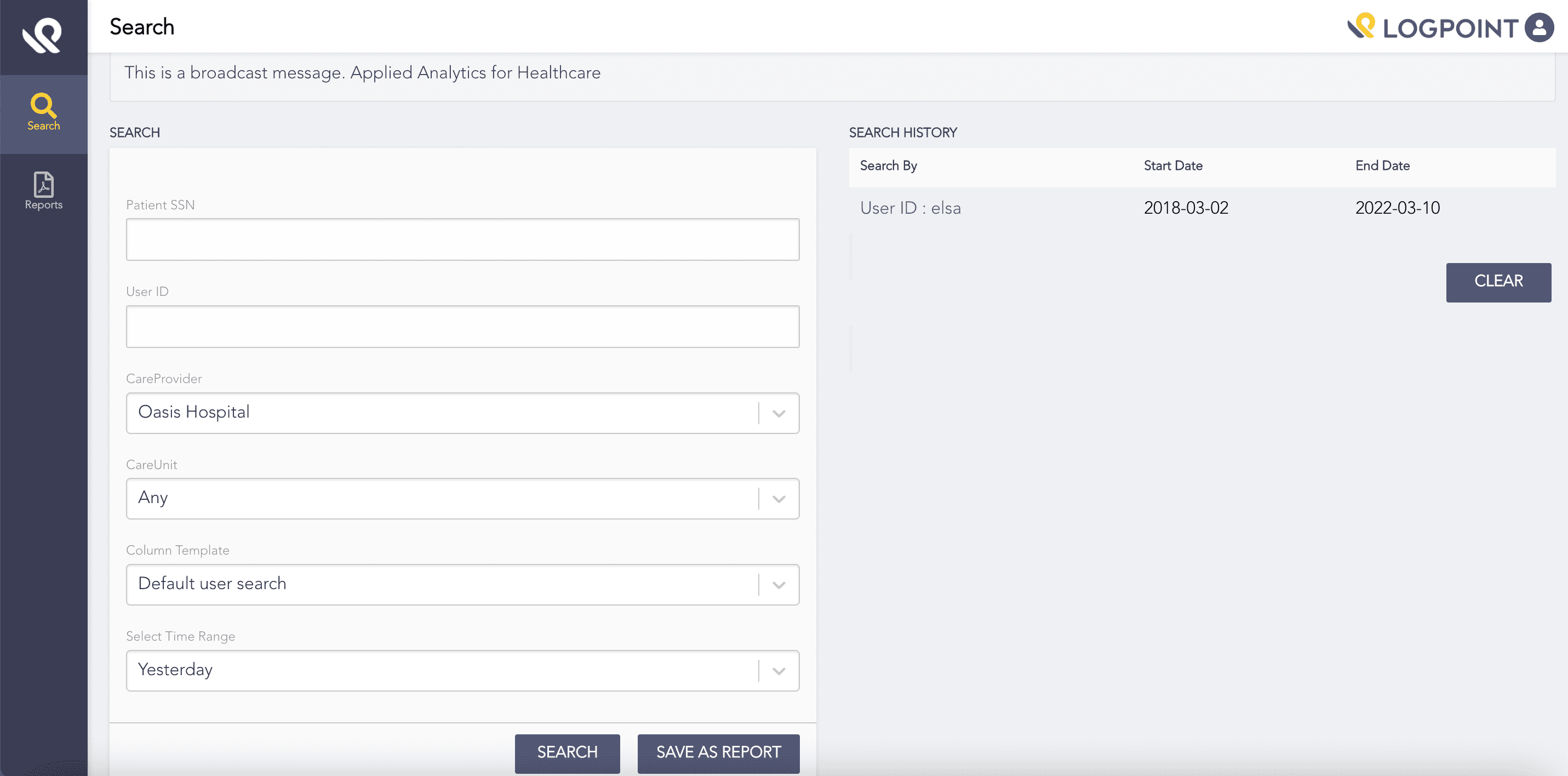
Search by Both User ID and Patient SSN
To perform a search:
Select Search from the left navigation bar.
Enter the Patient SSN to search the records of a particular patient.
Note
You must have the Patient Access or All Access roles to search using Patient SSN.
Enter the User ID to search the records of a particular user.
Note
You must have the User Access or All Access roles to search using User ID.
Select the Care Provider and its Care Unit for which you want to create the report.
Select a Column Template. The template defines the columns of the search result.
Note
AAHC selects a default column template set by admin user in the Column configuration. For more details, go to Manage Columns.
Select a Time Range for retrieving the logs.
6.1. Select Yesterday to retrive logs from the day before.
6.2. Select This month to retrive logs from the first day of the current month till current time.
6.3. Select Last month to retrive logs from the month before.
6.4. Select This week to retrieve logs from Monday of the current week till current day.
6.5. Select Custom period to select a custom date for retrieving logs.
Click Search.
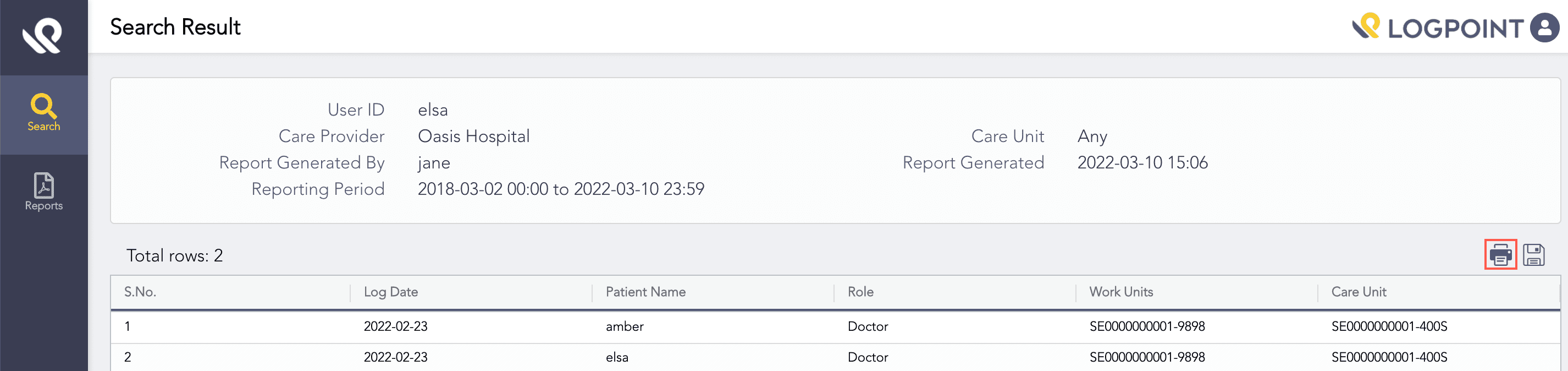
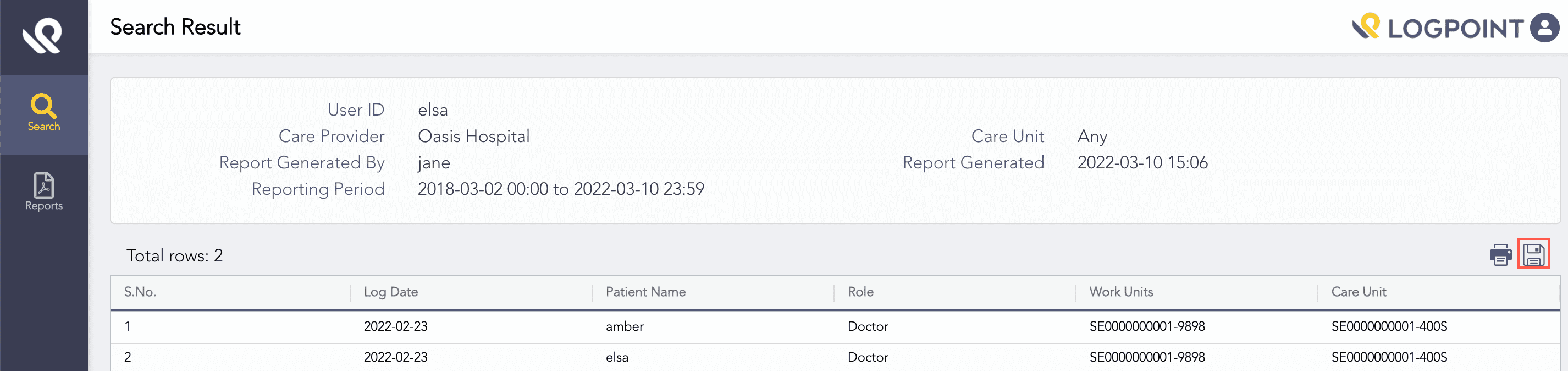
Search results are grouped by the Log Date field and the selected columns. The search result table lists the values based on the selected column template. By default, the table sorts its data by the first column. However, clicking a column header sorts the data by that column.
Click Clear to clear the search histroy.
Note
If you stop or pause the search while it is in process, the downloaded .pdf report will contain an error message that the data is incomplete.
You can re-run search results and get pre-filled parameters for further drill-down by clicking an existing search result.
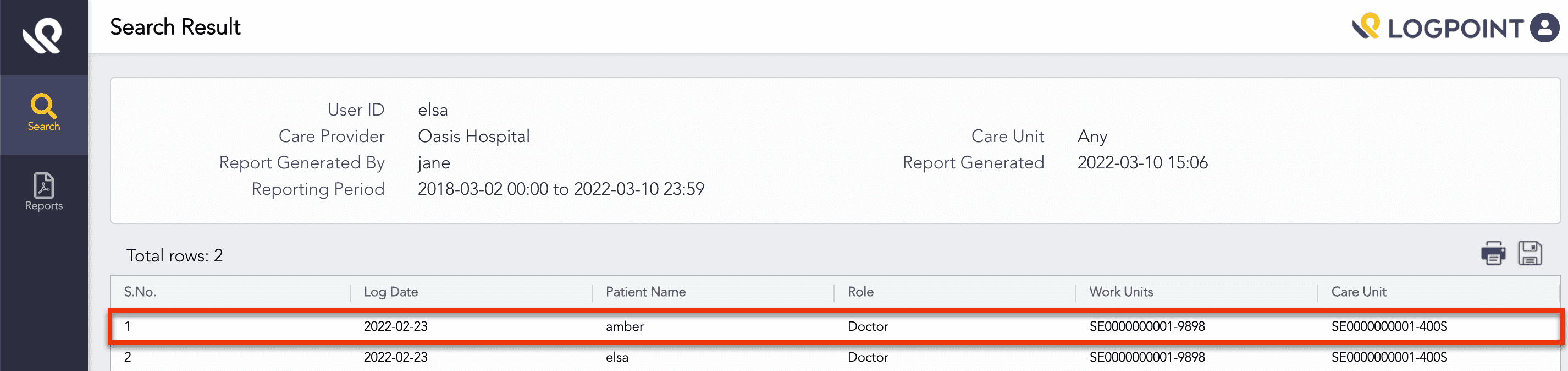
Clicking Search Result
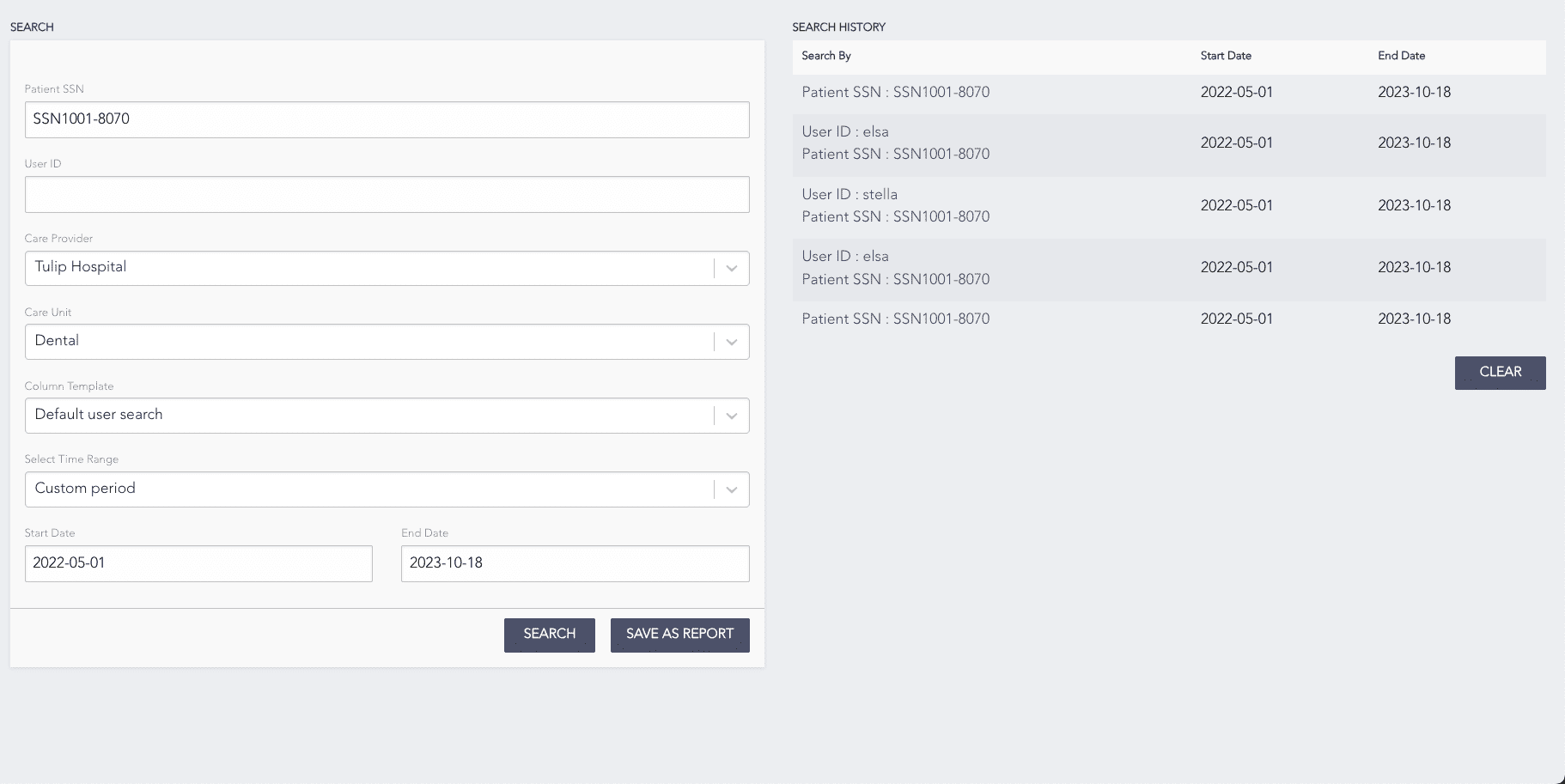
Pre-filled Search Parameters